


From a blank template
to a real storefront.
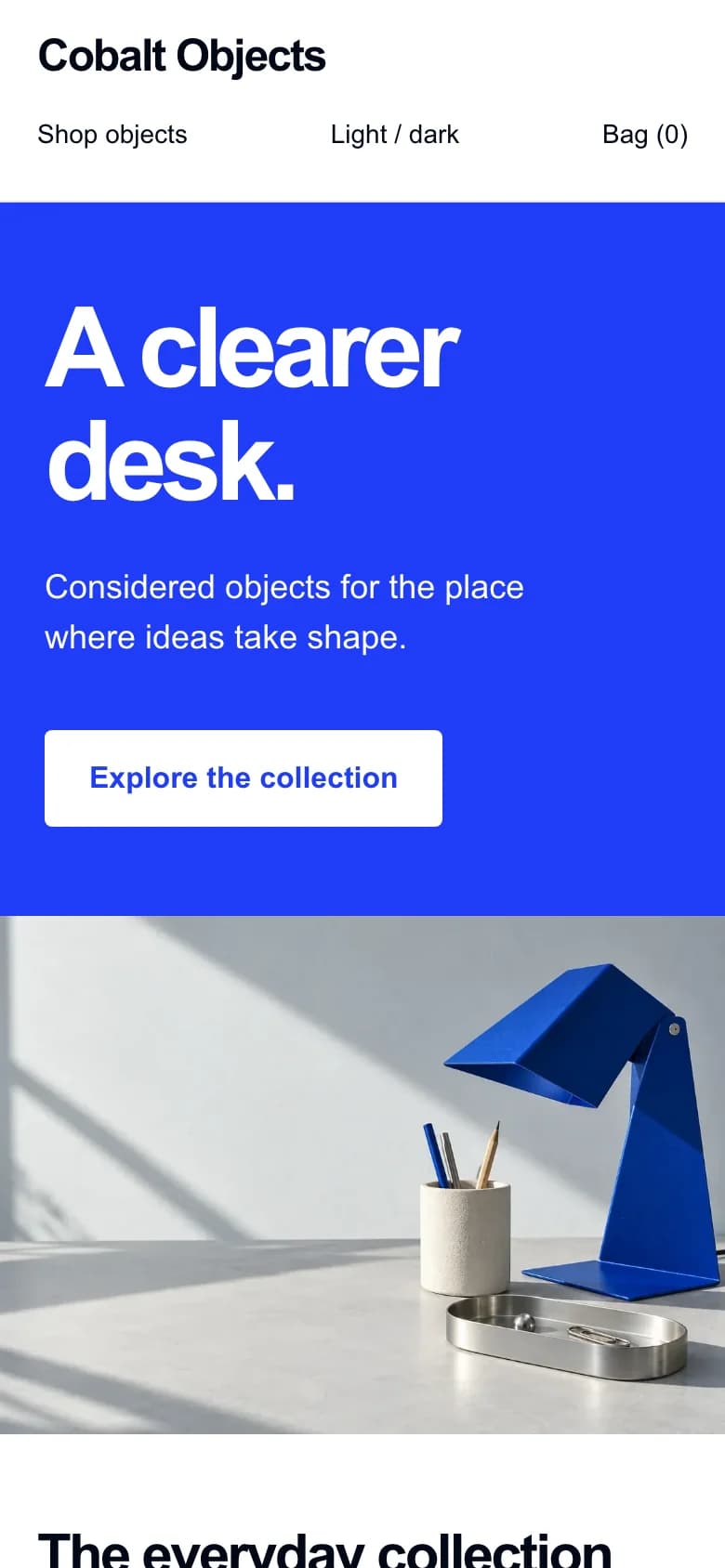
The decisions, the rough edges, and the finished Cobalt demo. A complete build, shared as it happened.
Read the build storyfeeef for developers
Build storefronts, connect merchant workflows, and put real commerce tools in the hands of your apps and agents.
A new app. A better workflow. Something we haven’t imagined yet.
Author the components. Compile the document. Preview with real data, then publish a release.
The kit builds a TemplateData document, an editor schema, and locale files. The storefront reads the compiled result.
{
  "type": "custom",
  "instanceId": "hero_home",
  "title": "Hero",
  "props": {
    "heading": "A store of your own."
  },
  "propsSchema": {
    "heading": { "type": "string", "name": "Heading" }
  },
  "code": "function App(){return React.createElement('h1',null,props.heading)}"
}Preview against your store’s real catalog. The live theme stays in place until you explicitly publish and apply a release.
# Validate and compile your source.
npm run check
npm run build

# Preview a hosted draft with your store's data.
npm run dev

# When the draft is ready, publish and apply it.
npm run publish -- --public --applyWrite the components. Define what’s editable. Give merchants a store that feels like their own.
Pick your starting point. Use the same commerce platform from your app, a template package, or an AI client.
import { FeeeF } from 'feeef';
const feeef = new FeeeF({
apiKey: process.env.FEEEF_TOKEN!,
baseURL: 'https://api.feeef.org/v1',
});
const { data: products } = await feeef.products.list({
storeId: 'your-store-id',
status: 'published',
limit: 10,
});
# Replace your-store-id with your store’s ID.
curl --get 'https://api.feeef.org/v1/products' \
--data-urlencode 'store_id=your-store-id' \
--data-urlencode 'status=published' \
--data-urlencode 'limit=10' \
--header 'Accept: application/json'
# The JSON response includes data and pagination.
# Connect from any language with an HTTP client.
npm install -g @feeef.dev/cli
feeef signin
feeef template init my-template --blank
cd my-template
npm install
feeef use
npm run build
npm run dev
# Open the draft preview on your real store.
{
"mcpServers": {
"feeef": {
"url": "https://mcp.feeef.org/mcp"
}
}
}
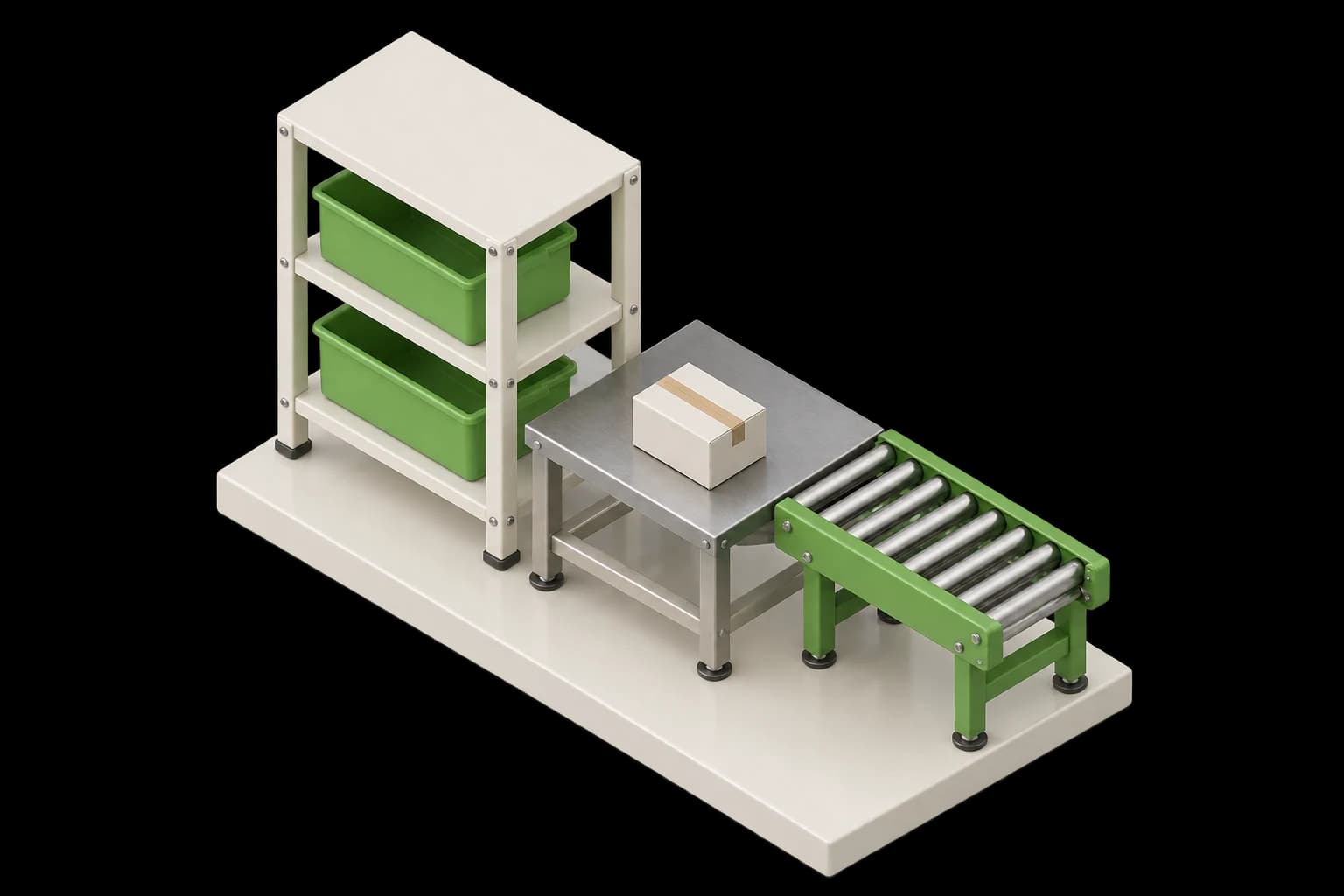
A store keeps moving after checkout. Build against the stock, money, and parcels behind each order.
Availability depends on the store’s permissions and enabled integrations.
The decisions, the rough edges, and the finished Cobalt demo. A complete build, shared as it happened.
Read the build storyInside the template system: JSON, React, server rendering, and the tradeoffs behind the design.
Explore the architecturefeeef is a commerce platform for merchants. Its developer platform provides a REST API, OAuth apps, JavaScript and Dart SDKs, storefront templates, a CLI, webhooks, and an MCP server. Developers can work with stores, products, orders, delivery integrations, inventory, and finance.
A feeef template is authored as a Node.js package with TSX components, an editor schema, and locale files. The template kit compiles these sources into a JSON document called TemplateData, which the Lithium storefront renderer reads. Developers define editable props and slots; merchants customize their content. The CLI previews a draft on a hosted store before a release is published and installed.
Yes. The hosted feeef MCP server at https://mcp.feeef.org/mcp uses Streamable HTTP and supports OAuth or a bearer token. Compatible clients can use its tools to work with stores, products, orders, delivery, inventory, and finance. API token permissions, store roles, and integration requirements still apply.
Your next commerce idea starts here.